
One image, across many frames.
Split a single artwork across several Nimbus frames, or give each frame its own picture from one playlist. Either way you get a gallery wall that turns heads — with art, your own photos, and motion.

A single picture, beautifully divided.
A Mosaic takes one image and splits it intelligently across a cluster of Nimbus frames on your wall. Each frame shows its own piece; together they form one striking composition — far bigger and more dramatic than any single display.
You decide the shape of it. Hang two frames or a dozen, in portrait or landscape, in a neat grid or scattered across the wall however it suits the room. There is no fixed layout and no required orientation — you hang the frames where you want them, tell Nimbus how they sit, and it maps the picture to your arrangement.
Prefer a set of related pictures to one divided image? That works too — a Mosaic can be a single artwork spanning every frame, or a curated collection where each frame holds its own.
Or give every frame its own picture, from one playlist. Point a group of frames at a single playlist and each one shows its own image from it — the same collection, a different picture on every wall. It is the easiest way to fill a whole wall without choosing a single image to divide, and it keeps changing on its own as the playlist rotates.
Works with everything you display.
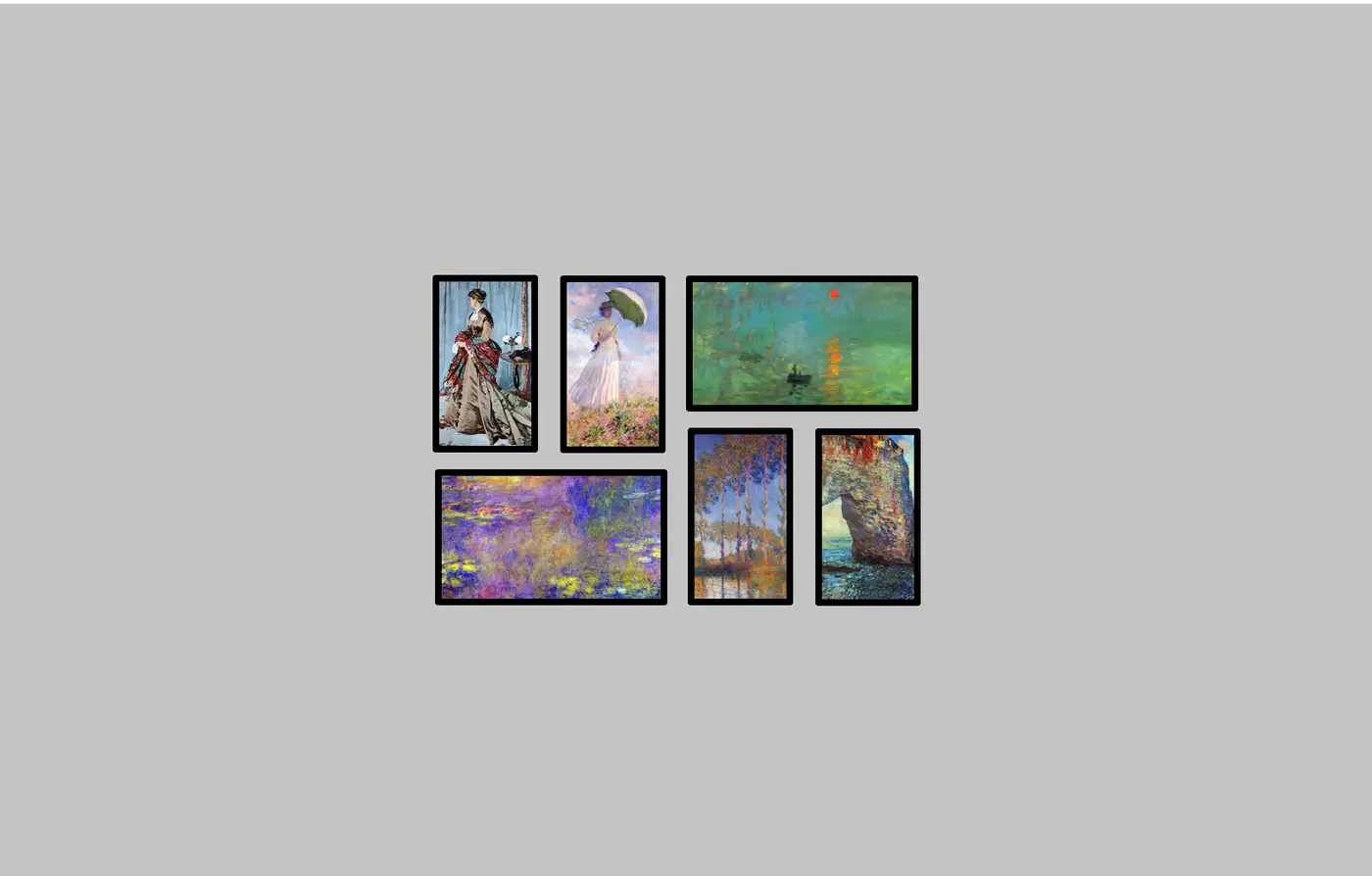
Art
Spread a favorite piece from the Nimbus library across the wall for a true gallery moment.

Your photos
Turn a panoramic shot or a family collage into a centerpiece across multiple frames.
Motion
Bring movement to the whole wall — motion pieces play in sync across every Nimbus frame.
Build your wall in a few steps.
Hang your frames
Arrange two or more Nimbus frames on the wall in any layout you like.
Pick an image — or a playlist
Choose one piece to divide across the wall, or a whole playlist to spread across it.
Let Nimbus do the rest
Map the frames to your layout. Nimbus either divides your image to match — perfectly aligned — or gives each frame its own picture from the playlist.
Make a wall worth staring at.
Start with a Nimbus frame or two and grow your Mosaic over time.